
On this page
Screening signups after the fact is where most teams start: a background job checks the address each account was created from and flags the ones worth a second look, so a false positive costs a review rather than a customer. This tutorial builds that in a Rails app with Devise and Sidekiq, using vpndetection, our official Ruby client, and then backfills the accounts you already have. The trap is the address. A job has no request to read one from, and the one Devise keeps, current_sign_in_ip, changes at every sign-in. We ran every snippet against the live API on October 22, 2026, with Ruby 4.0.7, Rails 8.1.4, Puma 8.0.2, Devise 5.0.4, Sidekiq 8.1.7 on Redis 8.10.2, PostgreSQL 18.6 and vpndetection 5.10.1, and every output below is from those runs.
Set up
bundle add devise sidekiq vpndetection
bin/rails generate devise:install
bin/rails generate devise User
In the migration Devise generates, uncomment the five Trackable columns. Then add the columns the screening fills:
# db/migrate/20261022051700_add_signup_screening_to_users.rb
class AddSignupScreeningToUsers < ActiveRecord::Migration[8.1]
  def change
    add_column :users, :signup_ip, :string
    add_column :users, :screened_at, :datetime
    add_column :users, :screening, :jsonb
    add_column :users, :flagged_at, :datetime
    add_index :users, :flagged_at
  end
end
screening keeps the API's answer as it came, and flagged_at is what a reviewer works through. The model turns an answer into those columns:
# app/models/user.rb
class User < ApplicationRecord
  devise :database_authenticatable, :registerable,
         :recoverable, :rememberable, :validatable, :trackable

  scope :flagged, -> { where.not(flagged_at: nil) }

  # What a lookup fills in: the answer as it came, and a flag for a person
  # to review when the address is a VPN, Tor or a residential proxy.
  def self.screening_columns(result)
    now = Time.current
    masked = result.vpn? || result.tor? || result.resproxy?
    { screened_at: now, screening: result.to_h, flagged_at: (now if masked) }
  end
endvpn?, tor? and resproxy? are true or false, never nil. The client goes in an initializer, so each process builds one:
# config/initializers/vpndetection.rb
# One client per process, shared by every Sidekiq thread: its cache answers
# an address it has seen in the last hour without a request.
VPNDETECTION = VPNDetection::Client.new(api_key: ENV["VPNDETECTION_API_KEY"])
Start Sidekiq with bundle exec sidekiq, which finds Redis at REDIS_URL. The gem needs Ruby 3.3 or newer. Get an API key in the console: a free one covers 50,000 lookups a month. Without a key, the API allows 1,000 lookups a day per source address, and every lookup a job makes comes from your server's address.
Keep the signup address
Devise's Trackable writes request.remote_ip into current_sign_in_ip at every sign-in, the one right after signup included, and moves the old value into last_sign_in_ip. A job runs later, behind a queue or on a retry. We signed up from 141.98.252.67, a Mullvad server in London from Mullvad's own server list, with Sidekiq stopped, then signed in twice from a home broadband line on a US cable ISP:
| After signup | One sign-in later | Two sign-ins later | |
|---|---|---|---|
current_sign_in_ip | 141.98.252.67 | home line | home line |
last_sign_in_ip | 141.98.252.67 | 141.98.252.67 | home line |
sign_in_count | 1 | 2 | 3 |
A job given only the user's id, reading current_sign_in_ip when it ran, screened the home line, found every flag false and flagged nothing. So the signup address gets a column of its own, set before Devise saves the user, and goes to the job as an argument:
# app/controllers/users/registrations_controller.rb
class Users::RegistrationsController < Devise::RegistrationsController
  def create
    super do |user|
      ScreenSignupJob.perform_async(user.id, user.signup_ip) if user.persisted?
    end
  end

  protected

  def sign_up_params
    super.merge(signup_ip: request.remote_ip)
  end
end# config/routes.rb
devise_for :users, controllers: { registrations: "users/registrations" }Devise builds the user from sign_up_params, so signup_ip is saved with it, and the block runs once the save is done. Sidekiq's arguments are JSON, so the job gets an id and a string, and never the request.
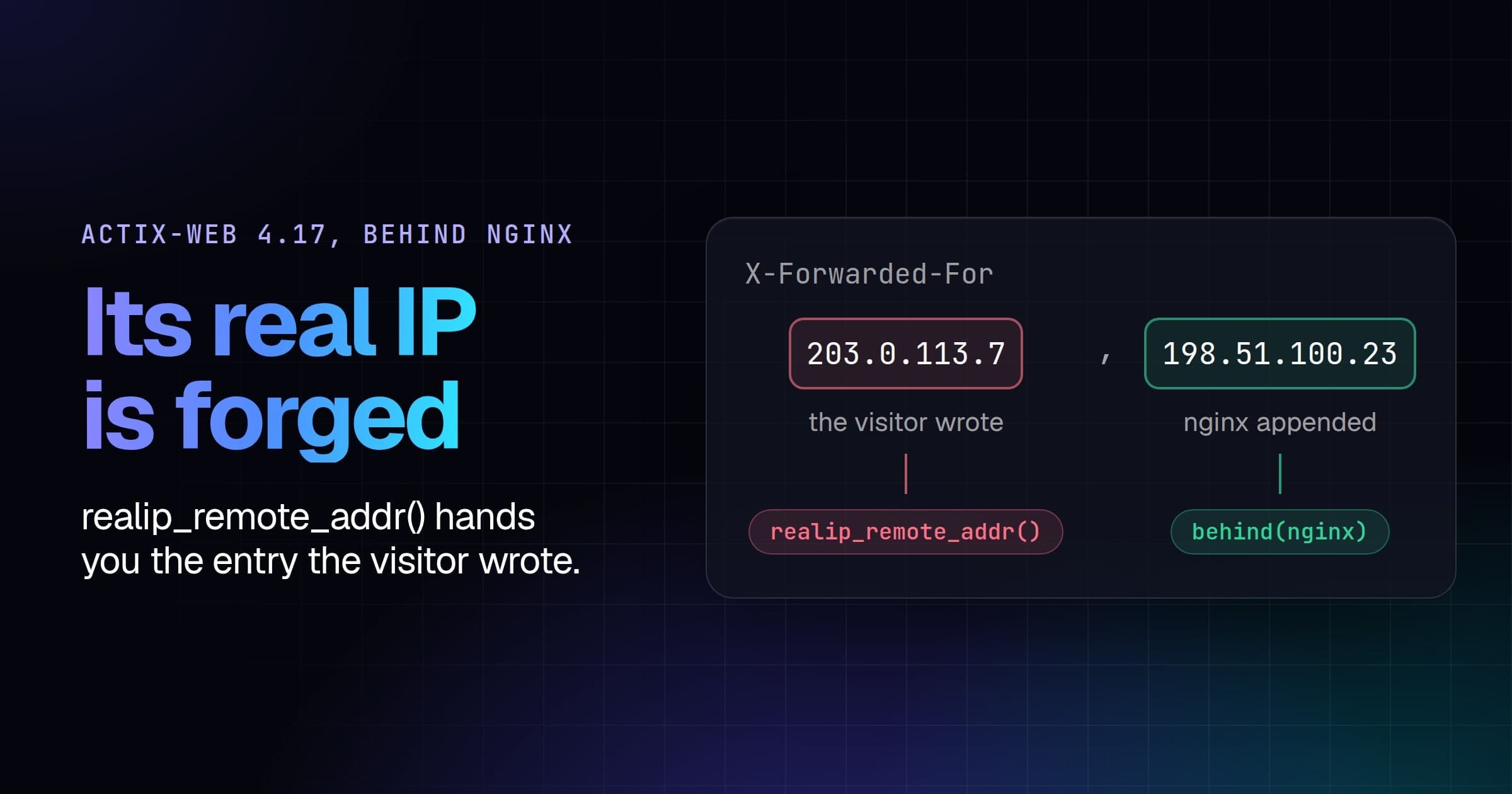
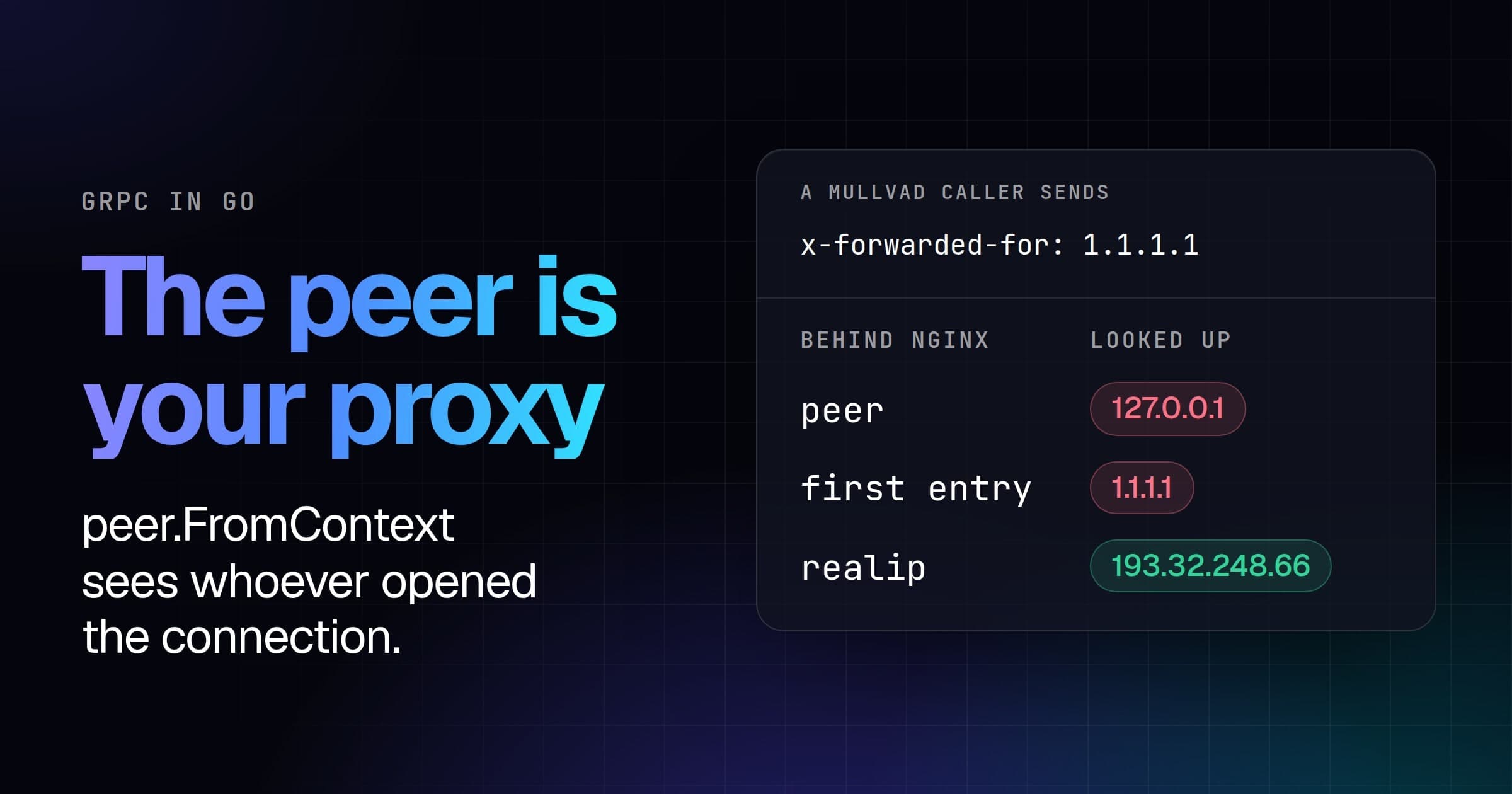
Trackable and signup_ip both take request.remote_ip: the right-most address in X-Forwarded-For that isn't private or loopback, whoever wrote the header. Our test app has nothing in front of Puma, so a signup from the Mullvad server that sent X-Forwarded-For: 1.1.1.1 was stored as 1.1.1.1 in signup_ip and both of Trackable's columns. The job screened 1.1.1.1, which answers is_hosting and is_cdn but not is_vpn, and nothing was flagged.
With Puma facing the internet, take Rack's request.ip, which reads that header only from a private or loopback address, and hand Trackable the same through extract_ip_from, the protected method it reads the address with:
# app/controllers/users/registrations_controller.rb
  def sign_up_params
    super.merge(signup_ip: request.ip)
end# app/models/user.rb, inside the class
protected
# Trackable's columns, from Rack's address rather than request.remote_ip.
def extract_ip_from(request)
request.ip
endThe same forged signup was then stored as 141.98.252.67 in all three columns, and flagged. Behind nginx or a CDN, the address to trust is set up differently, and How to detect VPN users in Ruby on Rails covers both.
Screen in a job, flag for review
# app/jobs/screen_signup_job.rb
class ScreenSignupJob
  include Sidekiq::Job

  def perform(user_id, ip)
    result = VPNDETECTION.lookup(ip)
    User.find(user_id).update!(User.screening_columns(result))
  end
end
Nobody is turned away: the account works from its first request whatever the job finds, and User.flagged is the review queue. The signup from the Mullvad server was flagged, and its screening held, in part:
{
  "ip": "141.98.252.67",
  "is_vpn": true,
  "is_tor": false,
  "is_resproxy": false,
  "vpn": {
    "provider": "mullvad",
    "last_seen": "2026-10-21",
    "confidence": "high"
  }
}
That's a key on the Max plan. The answer also has location and asn: the United Kingdom and AS39351 here. The signup from the home line was stored with every flag false, every detail object empty, and location and asn filled in, and wasn't flagged. For the account in the table above, the job ran after all three visits, screened 141.98.252.67 and flagged it.
Twenty signups in a row from the Mullvad server cost one lookup, counted at an nginx we put between the app and the API: the first job asked, and the client's cache answered the other 19. With the client built inside perform, the same twenty cost twenty.
Rate limits and retries
Sidekiq retries a job that raises 25 times by default, over about 20 days, and the client retries some failures itself before it raises. A 429 from the API means one of two things, and Retry-After tells them apart (rate limits): with the header, wait what it says and the request goes through; without it, your allowance is spent until the window rolls over. The client raises them as a VPNDetection::Error whose kind is :rate_limited or :quota_exceeded, and before it raises a rate limit, it waits the Retry-After and tries again, twice by default.
The real limit is far above what a test app sends, so we pointed the API's hostname at an nginx that answered every lookup the way the API answers a rate limit, 429 with {"error":"rate limit exceeded"} and Retry-After: 20, and let lookups through again once the job had failed. Sidekiq's log for the job above, without the level, pid, tid and jid:
2026-10-22T05:22:41.910Z class=ScreenSignupJob: start
2026-10-22T05:23:22.213Z class=ScreenSignupJob elapsed=40.302: fail
2026-10-22T05:23:45.648Z class=ScreenSignupJob: start
2026-10-22T05:23:46.078Z class=ScreenSignupJob elapsed=0.431: done
The client waited 20 seconds twice inside the job, holding one of Sidekiq's five threads for 40 seconds, and raised rate limit exceeded after its third try. Sidekiq then retried on its own schedule, 15 seconds plus jitter after a first failure whatever the API asked, here 23. The wait belongs to Sidekiq:
# app/jobs/screen_signup_job.rb
class ScreenSignupJob
  include Sidekiq::Job

  # Retry a rate limit when the API says to. An error a retry can't fix
  # (a bad address or key, a spent quota) is dropped: the backfill gets it.
  sidekiq_retry_in do |_count, error|
    next unless error.is_a?(VPNDetection::Error)

    if error.kind == :rate_limited
      error.retry_after_seconds
    elsif !error.retryable?
      :discard
    end
  end

  def perform(user_id, ip)
    # No retries inside the job: a wait would hold one of Sidekiq's threads.
    result = VPNDETECTION.lookup(ip, retries: 0)
    User.find(user_id).update!(User.screening_columns(result))
  end
end
Against the same nginx:
2026-10-22T05:24:33.433Z class=ScreenSignupJob: start
2026-10-22T05:24:33.722Z class=ScreenSignupJob elapsed=0.289: fail
2026-10-22T05:25:07.168Z class=ScreenSignupJob: start
2026-10-22T05:25:07.388Z class=ScreenSignupJob elapsed=0.22: done
The thread was free after 289 milliseconds. The retry came 33 seconds later, the 20 the API asked for plus Sidekiq's jitter and its poll for due jobs, and the job sent two requests where the first sent four. A network error or a 5xx falls through the block to Sidekiq's own backoff.
With nginx answering 429 without Retry-After, and the API's message for a spent allowance, Sidekiq set the first job to run again 20 seconds later, the first of its 25 retries. This one dropped the job, and the account waited, unscreened, for the backfill.
Backfill the accounts you have
Accounts from before signup_ip existed have only Trackable's last sign-in, so that's what the backfill screens for them, and the ip in each stored answer says which address it was. The batch lookup answers up to 1,000 addresses in one call, so the job walks the unscreened accounts 1,000 at a time:
# app/jobs/backfill_screening_job.rb
class BackfillScreeningJob
  include Sidekiq::Job

  def perform
    screened = left = 0
    User.where(screened_at: nil).in_batches(of: 1000) do |users|
      # Accounts from before signup_ip have only Trackable's last sign-in.
      by_ip = users.group_by { |u| u.signup_ip || u.current_sign_in_ip }
      by_ip.delete(nil) # never signed in: nothing to screen yet
      VPNDETECTION.lookup_batch(by_ip.keys).each do |ip, result|
        ids = by_ip[ip].map(&:id)
        if result.is_a?(VPNDetection::Error)
          left += ids.size # still unscreened, so the next run tries again
        else
          User.where(id: ids).update_all(User.screening_columns(result))
          screened += ids.size
        end
      end
    end
    logger.info "screened #{screened}, left #{left}"
  end
endbin/rails runner 'BackfillScreeningJob.perform_async'We seeded 2,300 accounts from before the column, on 2,200 addresses, each with one sign-in: 1,666 from home broadband lines on one US cable ISP, 320 from Mullvad servers and 314 from exits on the Tor Project's list. The job logged screened 2300, left 0 after three calls to the API, one per 1,000 accounts:
| Signed in from | Accounts | Flagged |
|---|---|---|
| Home broadband | 1,666 | 39 |
| Mullvad servers | 320 | 320 |
| Tor exits | 314 | 313 |
The 39 home-line accounts were flagged as residential proxy exits (35) and VPN servers (4). Of the Tor exits, 312 answered is_tor; of the other two, one was flagged as a VPN server, and one answered only is_hosting.
lookup_batch retries a refused call itself, twice by default, waiting what Retry-After asks, and a backfill can afford the wait. When the refusals outlast its retries, the addresses in that call come back as errors instead of raising, so the job leaves those accounts unscreened for its next run. With our nginx refusing every call for the job's first 50 seconds, and the job run again after:
2026-10-22T05:32:37.065Z class=BackfillScreeningJob: start
2026-10-22T05:33:45.497Z class=BackfillScreeningJob: screened 1300, left 1000
2026-10-22T05:33:45.507Z class=BackfillScreeningJob elapsed=68.442: done
2026-10-22T05:33:47.980Z class=BackfillScreeningJob: start
2026-10-22T05:33:54.633Z class=BackfillScreeningJob: screened 1000, left 0
2026-10-22T05:33:54.635Z class=BackfillScreeningJob elapsed=6.655: done
The call for the first 1,000 accounts was refused three times, the second went through on its second try and the third on its first, and the next run took one call for the 1,000 left. Three calls went through, as without the limit.
Every address a backfill screens is a lookup, and paid plans start at 250,000 a month (pricing). With millions of accounts, download the VPN IP database and look them up locally instead of calling the API.
Absent is not false
Without a key, the signup from the Mullvad server stored this, and was flagged on vpn?:
{
  "ip": "141.98.252.67",
  "is_vpn": true
}
A signup from 190.120.229.98, an exit on the Tor Project's list, stored {"ip": "190.120.229.98", "is_vpn": false} and wasn't flagged. With the key, it answered is_tor: true and was. A field your plan doesn't include is missing from the answer, which means "not in your plan", not "checked, and no", and tor? reads a missing flag as false. is_vpn comes back without a key, a free key adds the Tor and relay flags, location and asn, and every paid plan answers every field. result.included?(:is_tor) tells a missing flag from a false one, and so does screening, which keeps the answer as it came.
To decide at the request instead, asking a VPN visitor to confirm their email at signup or refusing them at checkout, How to detect VPN users in Ruby on Rails does it with our middleware.