
On this page
Our MCP server gives an AI assistant seven read-only tools for VPN, proxy and Tor detection, so you can ask about the addresses in a log without leaving your editor. It's hosted at https://mcp.vpndetection.io/mcp, and it runs on your own machine from npm as vpndetection-mcp. We asked every question below in Claude Code 2.1.296 with Claude Sonnet 5.5 on October 14, 2026, against the hosted server and against vpndetection-mcp 6.0.3 running locally. Its answers are quoted as it gave them, with the home and proxy addresses and the proxy networks' names withheld. Cursor and VS Code need a person signed in, so we didn't run them: their setup below follows Cursor's and VS Code's own docs.
Seven read-only tools
| Tool | What it answers |
|---|---|
lookup_ip | One address: VPN, residential, datacenter or mobile proxy, Tor, relay, hosting or CDN. |
lookup_ips | A list of addresses in one call, batched for you. |
my_entitlement | The key's plan, what it has used, and when that resets. |
list_databases | Each database we publish, and whether your organization is licensed for it. |
database_metadata | A database's columns, sample rows, row count, build date and file sizes. |
database_checksum | The published digests for one database file. |
list_downloads | Your organization's recent downloads, refusals included. |
None of them changes anything, and none downloads a database: the files run to several GB, too much to pull into a conversation. Fetch those with the vpndetection CLI or the API.
Connect to the hosted server
Claude, ChatGPT and Codex sign in to the server with your VPNDetection account, so no key goes in a config file; our MCP docs have their steps. Any other client can send an API key as a bearer token. Get one in the console: a free one covers 50,000 lookups a month.
Cursor reads .cursor/mcp.json in a project, or ~/.cursor/mcp.json for every project, and fills in ${env:...} from your environment:
{
  "mcpServers": {
    "vpndetection": {
      "url": "https://mcp.vpndetection.io/mcp",
      "headers": {
        "Authorization": "Bearer ${env:VPNDETECTION_API_KEY}"
      }
    }
  }
}
In VS Code, .vscode/mcp.json in a workspace can ask for the key the first time the server starts, and store it, through an inputs entry:
{
  "inputs": [
    {
      "type": "promptString",
      "id": "vpndetection-key",
      "description": "VPNDetection API key",
      "password": true
    }
  ],
  "servers": {
    "vpndetection": {
      "type": "http",
      "url": "https://mcp.vpndetection.io/mcp",
      "headers": {
        "Authorization": "Bearer ${input:vpndetection-key}"
      }
    }
  }
}
VS Code then makes the server's tools available in chat. In Claude Code, one command adds it:
claude mcp add --transport http vpndetection https://mcp.vpndetection.io/mcp \
  --header "Authorization: Bearer $VPNDETECTION_API_KEY"
claude mcp list then showed vpndetection: https://mcp.vpndetection.io/mcp (HTTP) - ✔ Connected.
Run it on your own machine
npx starts the server locally, and with no key it answers ip and is_vpn, up to 1,000 lookups a day from your address. It needs Node.js 22 or newer. We gave Claude Code this file:
{
  "mcpServers": {
    "vpndetection": {
      "command": "npx",
      "args": ["-y", "vpndetection-mcp"]
    }
  }
}
Cursor takes it as it is in .cursor/mcp.json, and VS Code and Claude Code in .mcp.json at the root of a project. With a key, add it to the entry's env as VPNDETECTION_API_KEY, and the server answers every field your plan includes.
Check the addresses in a log
Our test log, access.log, holds 25 lines of nginx's combined format from one night: 18 failed logins, each a POST /login that returned 401, and seven successful requests, from seven addresses. The addresses are real: a Tor exit, two residential proxy exits, a Mullvad server, an iCloud Private Relay address, an AWS server running an uptime check, and a home broadband line.
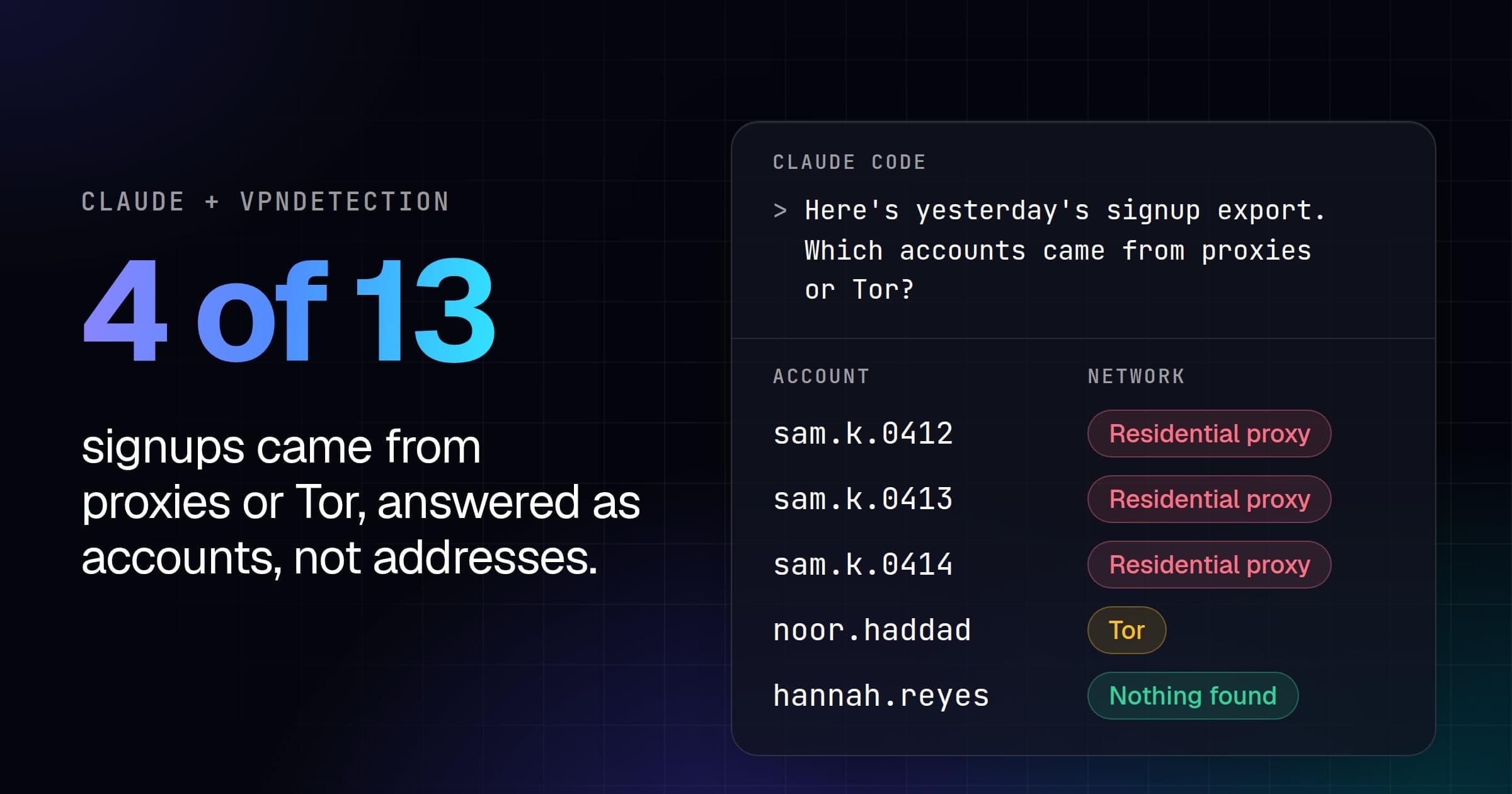
We asked: "We had a burst of failed logins overnight. Which client addresses in access.log are VPNs, proxies or Tor, and how many failed logins came from each?" Claude Code read the file, counted the failures per address with awk, checked the key's plan with my_entitlement, and looked up the seven addresses in one lookup_ips call. With a key on the Max plan, through the hosted server, it answered:
Four of the seven client addresses in
access.logare anonymizing services. Together they account for all 18 failed logins in the file. Every failure is aPOST /loginthat returned 401, and no other error statuses appear.
Address Type Provider Failed logins 190.120.229.98 Tor none listed 6 (withheld) Residential proxy (withheld) 5 (withheld) Residential proxy (withheld) 4 193.32.248.66 VPN Mullvad 3 The failures fall between 01:04 and 01:24 UTC on 14 Oct.
193.32.248.66 (Mullvad) has a successful login. At 01:25:00, about a minute after its third failure, it got a 200 on
POST /login. The log has no usernames, so I can't tell whether that was a person who mistyped or a guess that worked. Check your auth records for that session. It's also the only one of the four using a browser user agent (Chrome). The other three usepython-requests/2.32.3.The other three addresses had no failed logins:
- 172.224.236.1: Apple Private Relay. It made a
GET /and one successful login.- (withheld): No VPN, proxy or Tor flags. It had a successful login, then
/account.- 34.192.18.44: AWS hosting. It's your UptimeMonitor hitting
/healthz, not a VPN, proxy or Tor.The lookup covers every dataset on your plan, so the "not flagged" results are real negatives.
That last sentence comes from the lookup's own result, which is the next section. Private Relay is one flag to weigh lightly: our Private Relay post explains why.
Absent is not false
Every lookup comes back with a coverage block beside the answer. Through the local server with no key, the same question's lookup_ips call returned ip and is_vpn for each address, and this block:
"coverage": {
  "included": ["ip", "is_vpn"],
  "not_included": ["is_hosting", "is_relay", "is_tor", "is_cdn",
    "is_resproxy", "is_dcproxy", "is_mobproxy", "vpn", "hosting", "relay",
    "tor", "cdn", "resproxy", "dcproxy", "mobproxy"],
  "note": "..."
}
Its note ends: "Their absence is not a negative result: the address was never checked against those datasets. Do not state or imply that the address is not hosting, a relay, Tor, a CDN or a proxy on the basis of a field missing from this result."
Without it, a model reading {"ip": "190.120.229.98", "is_vpn": false} would have every reason to call the Tor exit clean. With it, Claude Code's answer opened:
Only one address came back as a VPN. The lookup couldn't check for proxies or Tor, so that part of your question is still open.
Its table marked proxy and Tor "not checked" for all seven addresses, and it said that 15 of the 18 failures came from three addresses whose proxy and Tor status is unknown. my_entitlement needs a key, and without one it answered "an API key is required". A free key adds the Tor fields and every paid plan the proxy fields, as our pricing page shows.
Why there's no my_ip tool
Every one of our client libraries can look up the address it calls from. The MCP server deliberately can't. Through the hosted server, the address we see belongs to whatever relays the call, which for a chat assistant is its provider's servers, not you. A my_ip tool would answer confidently about the wrong machine.
A coding assistant has a terminal on your machine, and that's the better route. Asked "Am I on a VPN right now?", Claude Code got its public address from three IP-echo services in the terminal, then looked that address up with lookup_ip. From your own terminal, vpndetection myip does the same in one command.
The API answers the same lookups from your own code, and our page for AI agents sets out its whole contract for an agent that calls it without MCP.