
An access log already holds the question: which of yesterday's visitors came through a VPN, a proxy or Tor. The vpndetection CLI answers it in one pipeline, with no code. We ran every command below on Linux on October 13, 2026, with vpndetection 1.7.0, and every output is from those runs.
One address
Install it from Homebrew or our apt repository, as the docs show for each platform. One address prints a readable block. 141.98.252.67 is a Mullvad server in London, from Mullvad's own server list:
$ vpndetection 141.98.252.67
ip                  141.98.252.67
is_bogon            false
is_vpn              true
is_hosting          true
is_relay            false
is_tor              false
is_cdn              false
is_resproxy         false
is_dcproxy          false
is_mobproxy         false
vpn.provider        mullvad
vpn.last_seen       2026-10-13
vpn.confidence      high
vpn.method          scan
hosting.provider    ""
hosting.confidence  medium
hosting.last_seen   2026-10-11
relay               {}
tor                 {}
cdn                 {}
resproxy            {}
dcproxy             {}
mobproxy            {}
That's on a key with the Max plan. vpndetection myip looks up the address you're coming from.
A whole log
Our test log has 5,000 requests in nginx's combined format, from 500 addresses: 100 Mullvad servers, 100 Tor exits from the Tor Project's list, and 300 home broadband addresses. Take the first field, drop repeats, and hand the rest to bulk, which always answers in a machine format:
$ awk '{print $1}' access.log | sort -u |
    vpndetection bulk --jsonl |
    jq -r 'select(.is_vpn) | .ip' | wc -l
107
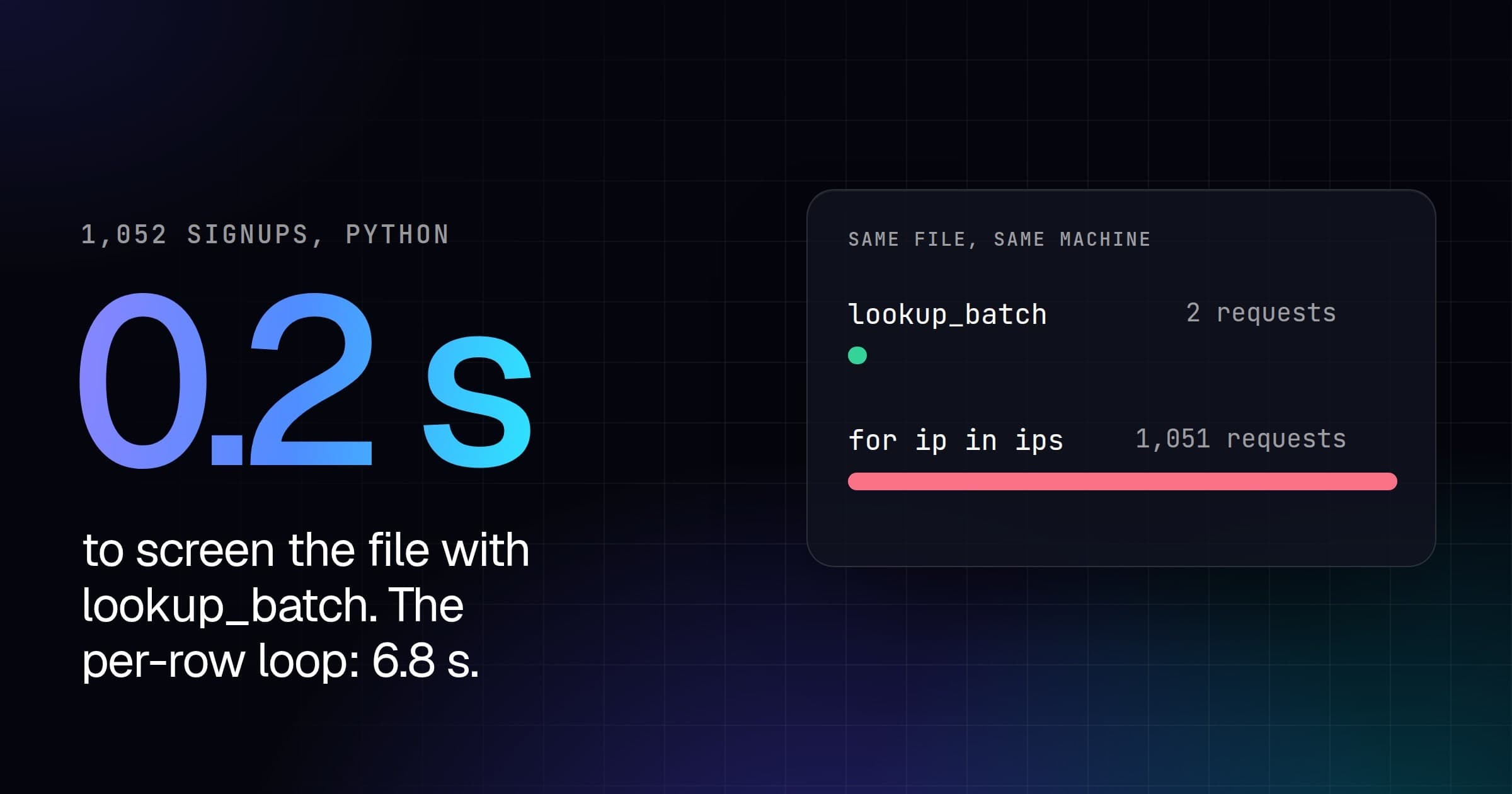
--jsonl prints one answer per line as it arrives, so jq starts before the last answer is in, and a /8 is a long command rather than an impossible one. bulk keeps several requests in flight at once (--concurrency sets how many). With the local cache off, the whole log took under a tenth of a second:
$ time (awk '{print $1}' access.log | sort -u |
    vpndetection bulk --jsonl --nocache > answers.jsonl)

real	0m0.088s
Each distinct address is still one lookup against your plan, so sort -u is what keeps a busy log from costing a lookup per request. Counted by kind:
$ jq -s '{vpn: map(select(.is_vpn)) | length,
    tor: map(select(.is_tor)) | length,
    proxy: map(select(.is_resproxy)) | length}' -c answers.jsonl
{"vpn":107,"tor":100,"proxy":82}
Into a spreadsheet
--csv writes a fixed header, and -f picks the columns, dotted for nested fields:
$ awk '{print $1}' access.log | sort -u |
    vpndetection bulk --csv -f ip,is_vpn,is_tor,vpn.provider > answers.csv
$ head -1 answers.csv && grep -m2 mullvad answers.csv
ip,is_vpn,is_tor,vpn.provider
103.108.231.50,true,false,mullvad
103.108.231.66,true,false,mullvad
Ranges
Arguments can be addresses, CIDRs, ranges such as 9.9.9.1-9.9.9.9, or files, in any mix, and they combine with standard input. -f works in every format, and in JSON the fields it picks keep their nesting. A /28 of Mullvad's:
$ vpndetection bulk 141.98.252.64/28 --jsonl -f ip,is_vpn,vpn.provider |
    head -3
{"ip":"141.98.252.64","is_vpn":true,"vpn":{"provider":"mullvad"}}
{"ip":"141.98.252.65","is_vpn":true,"vpn":{"provider":"mullvad"}}
{"ip":"141.98.252.66","is_vpn":true,"vpn":{"provider":"mullvad"}}
Without a key
The CLI works with no account. On a machine that hadn't logged in, the same address answered:
$ vpndetection 141.98.252.67
ip        141.98.252.67
is_bogon  false
is_vpn    true
The free tier answers is_vpn alone, for 1,000 lookups a day per source address, and the missing fields mean "not in your plan", not "checked, and no". vpndetection login opens your browser, you confirm a short code and pick the key the machine should hold, so the key never reaches your shell history. A free key covers 50,000 lookups a month, and vpndetection whoami shows your plan and what you've used.
When it's every day
The CLI caches answers locally, so a second run over the same addresses doesn't spend them again; --nocache skips that, as the timing above did. At a few million distinct addresses a day, look them up in a local copy instead: vpndetection database lists and downloads the licensed datasets, the VPN IP database among them, on a key that includes downloads (pricing).