
On this page
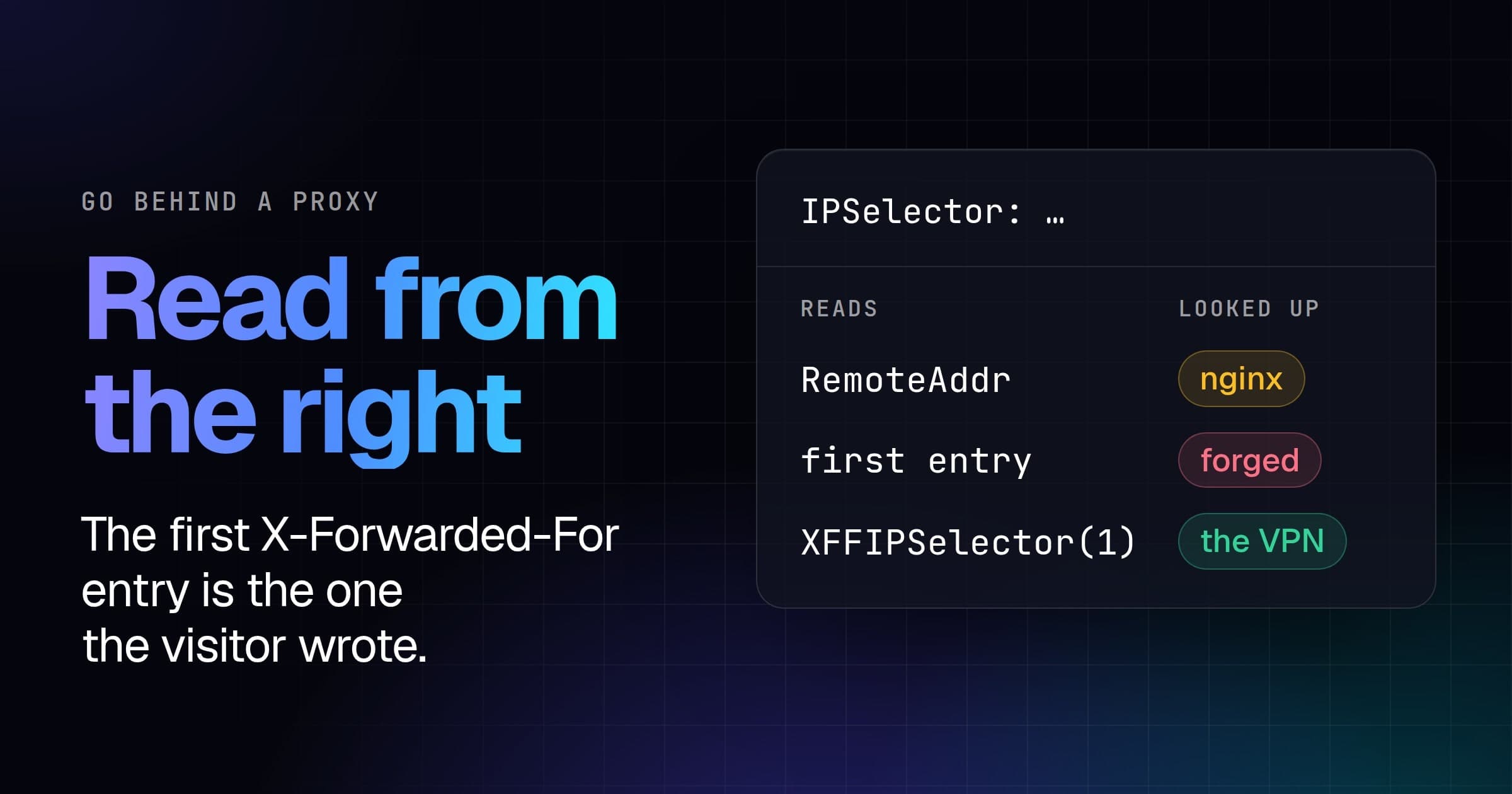
This tutorial adds VPN detection to a Laravel app with vpndetection/laravel, our official middleware. By the end, signup asks visitors on a VPN, a residential proxy or Tor to confirm their email, and checkout turns them away. Before either works, trustProxies has to name the proxies in front of your app: the '*' that Laravel's docs give for a cloud load balancer makes every address a trusted proxy, so the address you look up is whichever one the visitor wrote first in X-Forwarded-For. We ran every snippet against the live API on October 14, 2026, with PHP 8.5.11, Laravel 13.36.0 and vpndetection/laravel 2.2.0, and every output below is from those runs.
Look up every request
composer require vpndetection/laravel
php artisan vendor:publish --tag=vpndetection-config
The package needs PHP 8.2 or newer and Laravel 10 to 13. Laravel discovers its service provider, and the second command copies its settings to config/vpndetection.php.
Get an API key in the console: a free one covers 50,000 lookups a month. Without a key, the API allows 1,000 lookups a day per source address, and once deployed, every lookup comes from your server's address. The config reads the key from .env:
# .env
VPNDETECTION_API_KEY=your-key
Then add the middleware to every request, in bootstrap/app.php, with use VPNDetection\Laravel\VPNDetectionMiddleware; at the top:
->withMiddleware(function (Middleware $middleware): void {
    $middleware->append(VPNDetectionMiddleware::class);
})
VPNDetectionMiddleware::lookup() reads the answer in a route or controller:
<?php
// routes/web.php
use Illuminate\Http\Request;
use Illuminate\Support\Facades\Route;
use VPNDetection\Laravel\VPNDetectionMiddleware;

Route::get('/', function (Request $request) {
    $lookup = VPNDetectionMiddleware::lookup($request);

    return response()->json([
        'ip' => $lookup?->ip,
        'result' => $lookup?->result?->raw,
        'error' => $lookup?->error?->getMessage(),
    ]);
});
Nothing is blocked: the middleware looks the visitor up and hands the answer on. We sent a request to this app from 193.32.248.66, a Mullvad server in Berlin from Mullvad's own server list. Part of what came back under result:
{
  "is_vpn": true,
  "is_hosting": true,
  "is_tor": false,
  "is_resproxy": false,
  "vpn": {
    "provider": "mullvad",
    "last_seen": "2026-10-13",
    "confidence": "high",
    "method": "scan"
  }
}
That's a key on the Max plan. The answer also carries is_relay, is_cdn, is_dcproxy and is_mobproxy, each with a detail object. raw is the answer as the API sent it; in code, read the typed properties, $result->isVpn and $result->vpn->provider. A home broadband address on a US cable ISP came back with every flag false. A private or reserved address never reaches the API: the middleware answers it itself, with isBogon set.
Name the proxies you trust
The middleware looks up $request->ip(). Behind a load balancer, a CDN or nginx, that's the proxy's address, until Laravel's TrustProxies middleware, which every new app runs, is told to trust it. Then ip() reads X-Forwarded-For from the right, skips the proxies it trusts, and stops at the first address it doesn't.
For a cloud load balancer whose addresses you don't know, Laravel's docs give trustProxies(at: '*'). In Laravel 13, '*' trusts 0.0.0.0/0 and ::/0, every address there is. With nothing left untrusted, ip() returns the left-most entry in X-Forwarded-For, and proxies append to that header, so the left-most entry is whatever the visitor sent.
We served the app with PHP's built-in server and put nginx 1.29.1 in front of it, in a container of its own, at 172.28.16.10, with the usual proxy_set_header X-Forwarded-For $proxy_add_x_forwarded_for. A visitor on the Mullvad server sent X-Forwarded-For: 1.1.1.1, through nginx and then straight to the app. The address the middleware looked up:
trustProxies | Through nginx | Straight to the app |
|---|---|---|
| not called | 172.28.16.10 | 193.32.248.66 |
at: '*' | 1.1.1.1 | 1.1.1.1 |
at: '172.28.16.10' | 193.32.248.66 | 193.32.248.66 |
Without it, every visitor through nginx is nginx, a private address the middleware answers itself, so nobody is ever flagged. The one sign is a line in PHP's error log, on every request:
[vpndetection] resolved the client address as 172.28.16.10, which is not a public address. If this application runs behind a proxy or load balancer, configure its trusted-proxy setting or pass an ipSelector that reads your edge's header.
With '*', the visitor chose the address we looked up, through nginx too. 1.1.1.1 answers is_hosting and is_cdn, not is_vpn, so a VPN check waves them through.
Name the proxy's own address, or its subnet. An AWS load balancer's addresses change, but it sends requests to your servers from private addresses in your VPC, so trust the VPC's range, such as 10.0.0.0/16. For our nginx:
->withMiddleware(function (Middleware $middleware): void {
    $middleware->append(VPNDetectionMiddleware::class);
    $middleware->trustProxies(at: '172.28.16.10');
})
Behind Cloudflare, ip() is a Cloudflare address, which answered is_cdn: true. Cloudflare adds the visitor to X-Forwarded-For and publishes its ranges, so trust those. Neither list ends in a newline, hence the echos:
{ curl -s https://www.cloudflare.com/ips-v4; echo
curl -s https://www.cloudflare.com/ips-v6; echo; } > cloudflare-ips.txt->withMiddleware(function (Middleware $middleware): void {
$middleware->append(VPNDetectionMiddleware::class);
$cloudflare = file(base_path('cloudflare-ips.txt'), FILE_IGNORE_NEW_LINES);
$middleware->trustProxies(at: $cloudflare);
})On October 14 that made 22 ranges; fetch them again when you deploy. The package can also read a header instead, 'ip_selector' => Selectors::header('CF-Connecting-IP') in config/vpndetection.php, and it reads that header from whoever sends it. From a Cloudflare address, with the headers Cloudflare adds for the Mullvad visitor, both settings looked up 193.32.248.66. Straight to the app, with CF-Connecting-IP: 1.1.1.1 and X-Forwarded-For: 1.1.1.1, the header setting looked up 1.1.1.1, and Cloudflare's ranges looked up 193.32.248.66.
Look up only the routes that need it
Most routes don't care who's on a VPN; signup and checkout do. Instead of appending the middleware to every request, put it on those two routes, so nothing else costs a lookup:
<?php
// routes/web.php
use App\Http\Controllers\ShopController;
use Illuminate\Support\Facades\Route;
use VPNDetection\Laravel\VPNDetectionMiddleware;

Route::middleware(VPNDetectionMiddleware::class)->group(function () {
    Route::post('/signup', [ShopController::class, 'signup']);
    Route::post('/checkout', [ShopController::class, 'checkout']);
});->withMiddleware(function (Middleware $middleware): void {
$middleware->trustProxies(at: '172.28.16.10');
// Only so this demo can post with curl; your forms send a token.
$middleware->validateCsrfTokens(except: ['signup', 'checkout']);
})TrustProxies runs on every request before any route middleware, so ip() is settled by the time the lookup reads it. Signup reads the answer to decide what to ask; checkout refuses:
<?php
// app/Http/Controllers/ShopController.php
namespace App\Http\Controllers;

use Illuminate\Http\JsonResponse;
use Illuminate\Http\Request;
use VPNDetection\Laravel\VPNDetectionMiddleware;
use VPNDetection\Middleware\Condition;

class ShopController extends Controller
{
    /** Refused at checkout: a VPN, Tor, or a proxy exit seen 5 times or more. */
    private const REFUSE = [
        ['isVpn' => true],
        ['isTor' => true],
        ['isResproxy' => true, 'resproxy' => ['hits' => ['gte' => 5]]],
    ];

    // Nobody is refused, but a masked visitor confirms their email first.
    public function signup(Request $request): JsonResponse
    {
        $result = VPNDetectionMiddleware::lookup($request)?->result;
        $masked = $result === null
            || $result->isVpn
            || $result->isResproxy === true
            || $result->isTor === true;

        return response()->json(['confirm_email' => $masked]);
    }

    public function checkout(Request $request): JsonResponse
    {
        $result = VPNDetectionMiddleware::lookup($request)?->result;
        if ($result !== null && Condition::matches(self::REFUSE, $result)) {
            $error = 'Please turn off your VPN or proxy to check out.';
            return response()->json(['error' => $error], 403);
        }

        return response()->json(['ordered' => true]);
    }
}
$result is null when the lookup failed, and then you know nothing about the visitor: signup asks for their email, and checkout takes the order. isResproxy and isTor are compared with === true because either can be null, as "Absent is not false" below explains.
We sent both routes the Mullvad server, the home address, and two residential proxy exits from our data, one with hits at 26 and one at 2, all through nginx:
| Visitor | POST /signup | POST /checkout |
|---|---|---|
| Mullvad server | {"confirm_email":true} | 403 |
| Home broadband | {"confirm_email":false} | 200 |
Residential proxy exit, hits 26 | {"confirm_email":true} | 403 |
Residential proxy exit, hits 2 | {"confirm_email":true} | 200 |
Each 403 came with {"error":"Please turn off your VPN or proxy to check out."}.
Condition::matches() is the matcher behind the package's own block_condition. Each array in the list is one way to match, and it names only the fields it cares about. A list as a value accepts any of its values, gte, gt, lte and lt compare numbers, and strings match without regard to case.
To refuse on every route, append the middleware to every request, as in the first section, and give it the condition in config/vpndetection.php:
'block_condition' => [['isVpn' => true], ['isTor' => true]],The Mullvad server then got a 403 with {"error":"access denied"} on every route, one that doesn't exist included, and the home address got through.
When a lookup fails
The middleware fails open: when our API is unreachable, your quota is spent or the key is wrong, the request goes on with result as null and the reason in error. With an invalid key, the first route answered:
{"ip":"193.32.248.66","result":null,"error":"invalid API key"}With the same key, signup asked the Mullvad visitor for their email, and checkout took their order. 'fail_closed' => true refuses every request whose lookup failed, wherever the middleware runs, which makes any outage of ours an outage of your app. Fail open, and ask more of a visitor whose lookup failed, as signup does.
The middleware keeps each answer for an hour in your app's default cache store, the database in a new Laravel 13 app, so three requests in a row from the Mullvad server made one call to the API. To use another store from config/cache.php, name it in config/vpndetection.php: with 'cache_store' => 'file', the three made one call too. 'cache_store' => false keeps answers in the client alone, which Laravel builds again for every request, and the three made three calls. So count lookups by the visitors who reach the middleware each hour, which on route middleware means those who sign up or check out. A miss holds the visitor for one request of at most 2.5 seconds.
A free key covers 50,000 lookups a month, and paid plans start at 250,000 (pricing). With a few million requests a day, download the VPN IP database and look addresses up locally instead of calling the API.
Absent is not false
Without a key, the Mullvad request from the first section answers:
{
  "ip": "193.32.248.66",
  "is_vpn": true
}
The other fields aren't in the answer, so $result->isHosting, isTor and isResproxy are null, which means "not in your plan", where false means "checked, and no". is_vpn is on every plan, the hosting, Tor, relay and CDN flags start on Starter, the proxy flags on Scale, and confidence, method and resproxy.hits are on Max.
So without a key, checkout still refused the Mullvad server on isVpn, and the proxy exit with 26 hits got through both routes: signup didn't ask for its email, and checkout took its order. With isTor in its block_condition, the middleware logged on every request:
[vpndetection] blockCondition names isTor, which your plan does not include, so those terms can never match. An absent member means "not in your plan", not "checked, and no".
Plain PHP, WordPress and WooCommerce are in How to detect VPN users in PHP and WordPress.