
On this page
The UK won't ban VPNs or put an age check on them. It's asking platforms to stop children using them to get round age checks instead, and the under-16 social media ban that makes this pressing is due in spring 2027. This post is about the engineering, not legal advice.
What the government asked of platforms
On July 15, 2026, Liz Kendall, then Technology Secretary, set it out in a written statement to Parliament:
VPNs have legitimate privacy and security uses and we will therefore not age-gate or ban them. Instead, we will put an onus on platforms in scope of the new restrictions to take robust steps to detect and prevent attempts by underage users to circumvent age assurance measures.
She had already asked Ofcom for a report, due in October, on what highly effective age assurance looks like for telling whether someone is over 16. That day she also asked it for research, with no date set, "into what more services can do to detect and prevent VPN use on their platforms". The government's response to its consultation says that research "will include how services can detect VPN traffic and prevent children from using VPNs to bypass safeguards".
Kendall left government in July, when Andy Burnham became Prime Minister, and online safety moved to the Department for Digital, Culture, Media and Sport. On September 8, its Secretary of State, Lisa Nandy, told the Commons the ban was on track: the first regulations laid by the end of the year, and the ban in force in spring 2027.
Why a check on UK addresses misses VPN users
The government surveyed 2,299 children aged 11 to 17 in May 2026 about how they get round age checks. 10% of them said they had got round one with "settings or tools that make it look as though they are in a different country" (Children's circumvention behaviours online).
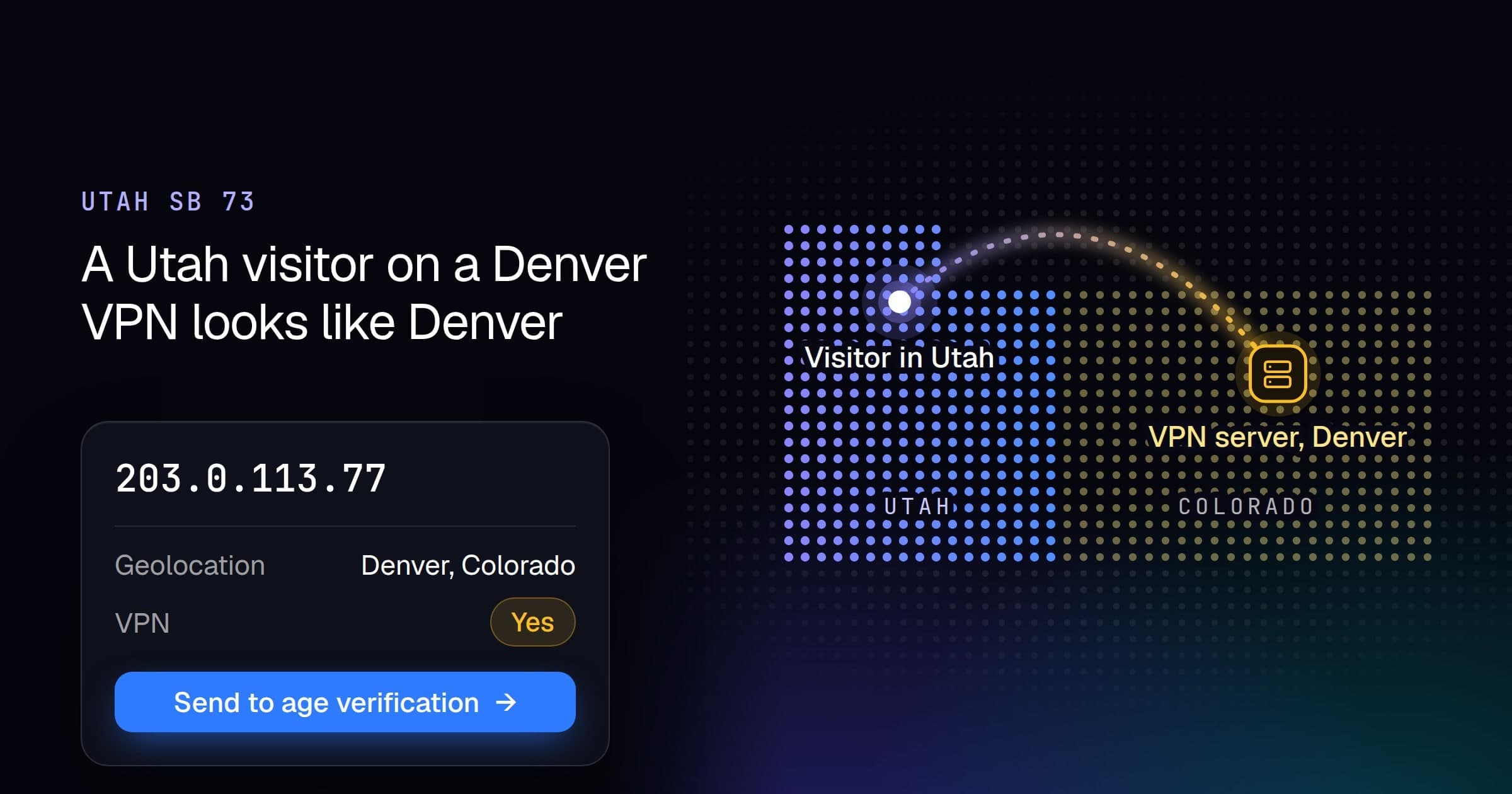
That's how a VPN beats an age gate keyed on location. The site sees the VPN server's address, and geolocation puts it wherever the server is. This is where VPN and proxy addresses sit, from our data on October 7, 2026:
| IPv4 addresses | In the UK | Outside the UK | |
|---|---|---|---|
| VPN, all types | 20,959,379 | 766,145 (3.7%) | 20,193,234 (96.3%) |
| Consumer VPN services | 3,258,289 | 232,736 (7.1%) | 3,025,553 (92.9%) |
| Residential proxies, seen in the last 30 days | 35,536,829 | 609,855 (1.7%) | 34,926,974 (98.3%) |
Consumer VPN services are the ones a person signs up to and picks a server on. They leave out corporate gateways, and privacy relays that don't let the user pick a location, such as iCloud Private Relay.
282 consumer VPN services have UK addresses, and 274 of them have addresses in other countries too, a median of 19 countries each. Only the US (842,940) and Germany (354,439) hold more of their addresses than the UK. So a UK teenager who picks a UK server still looks British and meets the age gate. One who wants past it picks another country in the same app.
Residential proxy exits are other people's home connections, which a datacenter blocklist doesn't catch either.
The age gate can't ask only "is this a UK address?" An address that belongs to a VPN, a proxy, Tor or a cloud server may not be where the visitor is, whatever country it reports.
Check every visitor, then step up
Look up every visitor. Send a UK address to age assurance, and a masked one too, wherever it geolocates. Don't block either: an adult in Manchester on a VPN can still verify their age and get in. And log each decision, so you can show what you did.
Here it is in Django with vpndetection-django, for a site behind Cloudflare. Cloudflare sends the visitor's address in CF-Connecting-IP, and their country in CF-IPCountry once you turn on its Add visitor location headers transform.
pip install django vpndetection-django# settings.py
import os
from vpndetection_django import header_ip_selector
# ...
MIDDLEWARE = [
'django.contrib.sessions.middleware.SessionMiddleware',
'vpndetection_django.VPNDetectionMiddleware',
'ukapp.agegate.AgeGateMiddleware',
]
VPNDETECTION = {
'api_key': os.environ.get('VPNDETECTION_API_KEY'),
'ip_selector': header_ip_selector('CF-Connecting-IP'), # Cloudflare in front
}# agegate.py
import logging
log = logging.getLogger('agegate')
# Each of these means the address may not be where the visitor is.
MASKED = (
'is_vpn', 'is_resproxy', 'is_mobproxy', 'is_dcproxy', 'is_tor', 'is_hosting',
)
class AgeGateMiddleware:
def __init__(self, get_response):
self.get_response = get_response
def __call__(self, request):
found = request.vpndetection
country = request.headers.get('CF-IPCountry', '')
masked = [f for f in MASKED if found.result and found.result.flagged(f)]
error = found.error.kind if found.error else None
# A failed lookup is not an answer, so it checks age too.
request.check_age = country == 'GB' or bool(masked) or error is not None
log.info('check_age=%s country=%s masked=%s error=%s',
request.check_age, country, ','.join(masked) or '-', error)
return self.get_response(request)# views.py
from urllib.parse import quote
from django.http import HttpResponse
from django.shortcuts import redirect
def feed(request):
if request.check_age and not request.session.get('age_checked'):
return redirect('/age-check?next=' + quote(request.get_full_path()))
return HttpResponse('feed\n')/age-check is your age assurance flow, which sets age_checked in the session once a visitor passes. result.flagged() is true only when a flag is there and true, so a flag your plan doesn't include reads as not masked: is_vpn comes back on every plan, and the proxy, Tor and hosting flags need a plan that includes them (pricing). is_hosting catches a VPN someone runs on their own cloud server, which is on no VPN service's list.
We ran it on localhost:8000 with a key on the Max plan, and sent the headers Cloudflare would. 185.213.155.73 is a Mullvad server in Frankfurt, from Mullvad's own server list:
curl -s -o /dev/null -w '%{http_code} %{redirect_url}\n' localhost:8000/feed \
  -H 'CF-Connecting-IP: 185.213.155.73' -H 'CF-IPCountry: DE'
302 http://localhost:8000/age-check?next=/feed
Then a Mullvad server in London, a home broadband line in the UK, a residential proxy exit in Vietnam and a home broadband line in the US, each with the country it's in. The log:
check_age=True country=DE masked=is_vpn,is_hosting error=None
check_age=True country=GB masked=is_vpn,is_hosting error=None
check_age=True country=GB masked=- error=None
check_age=True country=VN masked=is_resproxy error=None
check_age=False country=US masked=- error=None
A gate that asks only country == 'GB' lets the Frankfurt server and the proxy exit in Vietnam straight through. With an invalid API key, the lookup for the US home line failed and that visitor was checked anyway: check_age=True country=US masked=- error=unauthorized. The middleware lets a request through when a lookup fails, so our outage isn't yours, and the gate takes the unknown as a reason to check. The log keeps the decision and leaves out the address.
We set CF-Connecting-IP and CF-IPCountry by hand to test this, and so can anyone who reaches your origin without going through Cloudflare: they pick the address we look up and the country you gate on. Accept connections from Cloudflare's addresses only. Behind nginx or a load balancer instead, the Django tutorial covers which address to trust.
What an IP check can't do
The commonest way past an age check isn't a VPN. In the same survey, 63% of the children who had got past one pretended to be someone else, most often by giving a false date of birth, against 27% who changed their apparent location. No IP check sees that. The age assurance the gate sends visitors to has to.
A flagged residential or mobile proxy address is also someone's real connection: a residential proxy exit is a household's broadband, and a mobile proxy shares its address with the phones on that network. That's why a flag here should send the visitor to a check rather than turn them away. And a proxy exit we haven't seen yet looks like any other home, so treat IP as one signal beside device and account signals, never the only one.
What to watch for from Ofcom
The over-16 report is due in October, and the VPN research has no date. When they land, these answers decide what a platform builds:
- Which age assurance methods count as highly effective for telling a 16-year-old from a 15-year-old.
- Whether services are expected to check every visitor for a VPN, or only those who meet an age gate.
- Whether a flagged visitor should be blocked or sent to age assurance, and what record of the decision counts as a robust step.
We looked at the US version of this question in Utah SB 73: what a site can and can't know about VPN users. Middleware for Express, Laravel, Rails and other frameworks is in the docs. Past a few million distinct visitors a day, look addresses up locally from the VPN IP and Residential Proxy IP databases instead of calling the API on every request.