
On this page
This tutorial adds VPN detection to the interactive server pages of a Blazor Web App with VPNDetection, our official .NET client. By the end, a signup page asks visitors on a VPN, Tor or a residential proxy to confirm their email. The hard part is the address: an interactive component runs on a SignalR circuit, after the request that loaded the page is over, so the app looks the visitor up during that request, in App.razor, and carries the answer to the circuit. We ran every snippet against the live API on October 16, 2026, with .NET SDK 10.0.402, the app in Microsoft's ASP.NET Core 10.0.13 container image behind nginx 1.29.1, and VPNDetection 5.4.4. We drove the circuits from headless Chromium, and every output below is from those runs.
What a component can see on the circuit
An interactive page renders twice: on the server inside the HTTP request, which Blazor calls prerendering, and again on the circuit once the browser connects. This page records what the two usual ways to reach the request return at each step: the cascading HttpContext, and IHttpContextAccessor, registered with builder.Services.AddHttpContextAccessor().
@page "/where"
@rendermode InteractiveServer
@inject IHttpContextAccessor Accessor

<button @onclick='() => Note("Click")'>Again</button>
<pre>@string.Join("\n", notes)</pre>

@code {
    [CascadingParameter]
    private HttpContext? HttpContext { get; set; }

    private readonly List<string> notes = [];

    protected override void OnInitialized() => Note(RendererInfo.Name);

    private void Note(string when)
    {
        var cascading = Describe(HttpContext);
        var accessor = Describe(Accessor.HttpContext);
        notes.Add($"{when}: cascading {cascading}, accessor {accessor}");
    }

    private static string Describe(HttpContext? c) => c is null
        ? "null"
        : $"{c.Request.Path} from {c.Connection.RemoteIpAddress}";
}
We opened it from 141.98.252.67, a Mullvad server in London from Mullvad's own server list, through nginx, with the forwarded headers set up as later in this post. The prerendered page read:
Static: cascading /where from 141.98.252.67, accessor /where from 141.98.252.67
Once the circuit was up and the button had been clicked:
Server: cascading null, accessor /_blazor from 141.98.252.67
Click: cascading null, accessor /_blazor from 141.98.252.67
The cascading HttpContext is gone on the circuit, as Microsoft's docs say: "The value is null during interactive rendering." The accessor answered with another request, the one that opened the circuit's WebSocket to /_blazor, and that only held while there was a WebSocket. With the Upgrade and Connection headers left out of nginx's config, Blazor fell back to long polling, and the same page read:
Server: cascading null, accessor null
Click: cascading null, accessor null
Blazor's console warning for that fallback, quoted in Microsoft's hosting guide, names a likely cause: it "may be due to a VPN or proxy blocking the connection." Turning prerendering off, with @rendermode @(new InteractiveServerRenderMode(prerender: false)), only dropped the Static line, the one step that had the page's own request.
Look the visitor up in App.razor
App.razor never runs on the circuit. Blazor renders it inside the request for every page, so its HttpContext is the visitor's. Look the visitor up there, into a scoped service, and register that service so its state follows the visitor onto the circuit.
dotnet new blazor -o shop
cd shop
dotnet add package VPNDetection
The template's default is interactive server rendering, chosen per page. The package targets net8.0, but [PersistentState] below needs .NET 10. Get an API key in the console: a free one covers 50,000 lookups a month. Without a key, the API allows 1,000 lookups a day per source address, and once deployed, every lookup comes from your server's address.
// Visitor.cs
using System.Net;
using Microsoft.AspNetCore.Components;
using VPNDetection;

namespace shop;

// Looked up once, in App.razor's static render, then carried to the circuit.
public class Visitor(VpnDetectionClient client)
{
    [PersistentState] public string? Ip { get; set; }
    [PersistentState] public bool? IsVpn { get; set; }
    [PersistentState] public bool? IsTor { get; set; }
    [PersistentState] public bool? IsResproxy { get; set; }
    [PersistentState] public string? Error { get; set; }

    // A VPN, Tor or residential proxy visitor, or one we have no answer for.
    public bool Masked => IsVpn != false || IsTor == true || IsResproxy == true;

    public async Task LookUpAsync(IPAddress? address)
    {
        Ip = address?.ToString();
        if (Ip is null)
        {
            Error = "no address";
            return;
        }
        try
        {
            var result = await client.LookupAsync(Ip);
            Ip = result.Ip;
            IsVpn = result.IsVpn;
            IsTor = result.IsTor;
            IsResproxy = result.IsResproxy;
        }
        catch (VpnDetectionException e)
        {
            Error = e.Kind.ToString();
        }
    }
}
IsVpn comes back on every plan, so it's null only when there was no answer, and Masked counts that as masked. In Components/App.razor, add @inject Visitor Visitor above <!DOCTYPE html>, and this below </html>:
@code {
    // App.razor always renders statically, inside the visitor's own request.
    [CascadingParameter]
    private HttpContext? HttpContext { get; set; }

    // Look the visitor up before the first render, so every page sees the answer.
    public override async Task SetParametersAsync(ParameterView parameters)
    {
        parameters.SetParameterProperties(this);
        await Visitor.LookUpAsync(HttpContext?.Connection.RemoteIpAddress);
        await base.SetParametersAsync(ParameterView.Empty);
    }
}Program.cs, down to the template's own middleware:
using System.Net;
using Microsoft.AspNetCore.Components.Web;
using Microsoft.AspNetCore.HttpOverrides;
using shop;
using shop.Components;
using VPNDetection;

var builder = WebApplication.CreateBuilder(args);

builder.Services.AddRazorComponents()
    .AddInteractiveServerComponents()
    .RegisterPersistentService<Visitor>(RenderMode.InteractiveServer);

// One client for the whole app, so its cache serves every request.
builder.Services.AddSingleton(new VpnDetectionClient(new VpnDetectionClientOptions
{
    ApiKey = builder.Configuration["VPNDETECTION_API_KEY"],
    RequestTimeout = TimeSpan.FromSeconds(2),
    Retries = 0,
}));
builder.Services.AddScoped<Visitor>();

var app = builder.Build();

// Believe X-Forwarded-For from nginx, and from nobody else.
app.UseForwardedHeaders(new ForwardedHeadersOptions
{
    ForwardedHeaders = ForwardedHeaders.XForwardedFor,
    KnownProxies = { IPAddress.Parse("172.28.5.12") },
});
A scoped service lives in one scope, and the circuit gets a new one after the request's is gone. RegisterPersistentService is what bridges them: Blazor writes the [PersistentState] properties into the page at the end of the request, and fills the circuit's Visitor from them when it starts. The lookup sits in SetParametersAsync, ahead of the base call: from OnInitializedAsync, App.razor would render the page inside it at the first await, before the answer came back. This page shows the service in both places:
@page "/check"
@rendermode InteractiveServer
@using System.Text.Json
@inject Visitor Visitor

<pre>@RendererInfo.Name: @JsonSerializer.Serialize(Visitor)</pre>
From the Mullvad server, each time on a fresh start of the app, so the client had nothing cached, IsVpn read:
App.razor and Program.cs | Prerendered | On the circuit |
|---|---|---|
lookup in OnInitializedAsync | null | true |
lookup in SetParametersAsync, no RegisterPersistentService | true | null |
| both, as above | true | true |
From a home broadband address on a US cable ISP, every flag was false in both places with the app as printed. Without RegisterPersistentService, its circuit had null too, so Masked came back true, and the signup page below asked it to confirm its email. Arriving at /check from the template's home page through Blazor's enhanced navigation, rather than a full page load, carried the same answers.
Behind nginx
KnownProxies names nginx, at 172.28.5.12 on a private network, as the one proxy whose X-Forwarded-For the app believes. The app's container, at 172.28.5.11, listens on the image's default port, 8080. The circuit needs nginx to pass WebSockets as well, so its config adds nginx's WebSocket settings to the usual header:
events {}
http {
    map $http_upgrade $connection_upgrade {
        default Upgrade;
        ''      close;
    }
    server {
        listen 80;
        location / {
            proxy_pass         http://172.28.5.11:8080;
            proxy_http_version 1.1;
            proxy_set_header   Upgrade $http_upgrade;
            proxy_set_header   Connection $connection_upgrade;
            proxy_set_header   Host $host;
            proxy_cache_bypass $http_upgrade;
            proxy_set_header   X-Forwarded-For $proxy_add_x_forwarded_for;
        }
    }
}
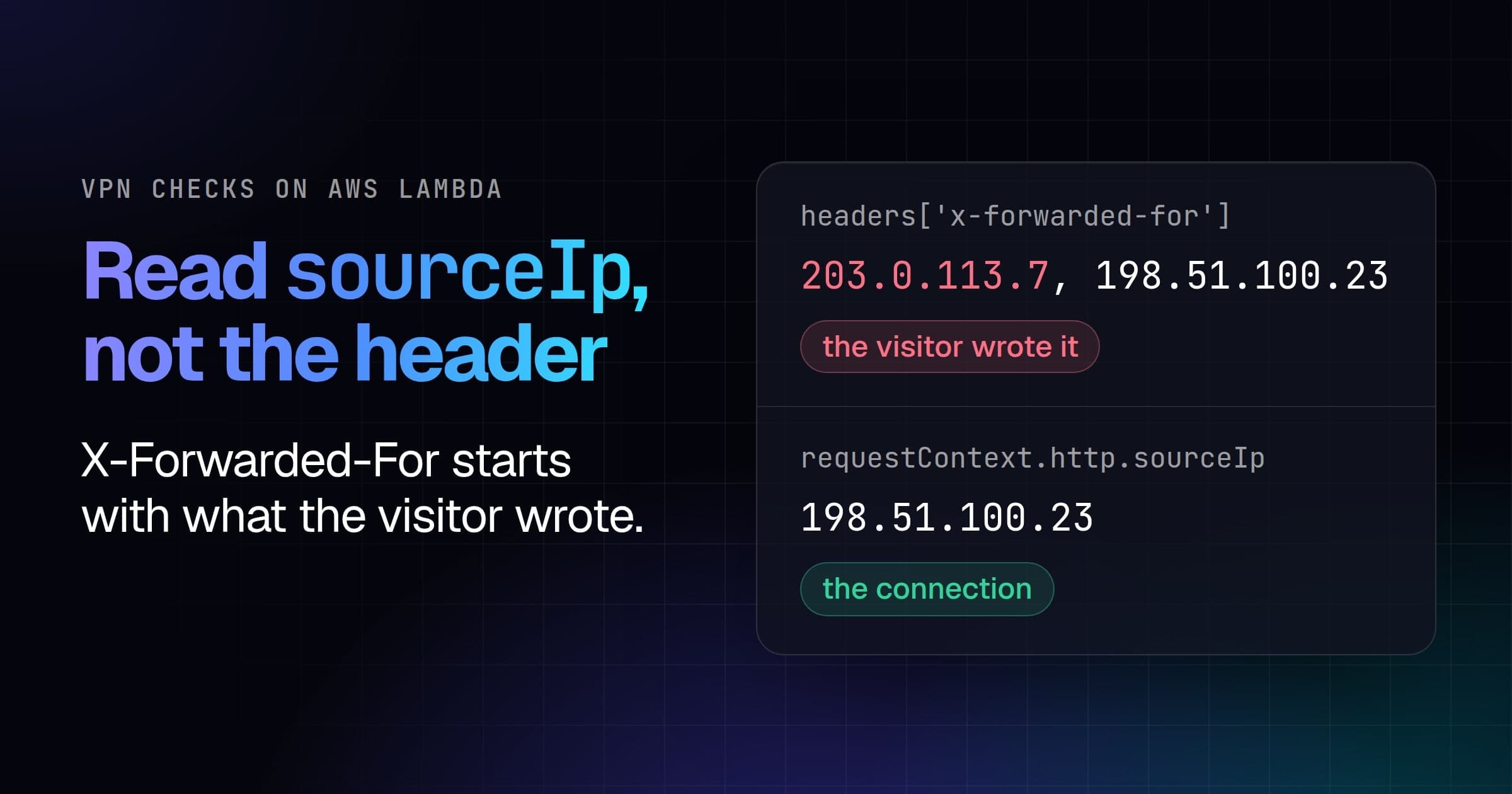
The Mullvad server sent X-Forwarded-For: 1.1.1.1 through nginx, and then straight to Kestrel. The address App.razor looked up:
Program.cs | Through nginx | Forged, via nginx | Forged, to Kestrel |
|---|---|---|---|
no UseForwardedHeaders | 172.28.5.12 | 172.28.5.12 | 141.98.252.67 |
nginx in KnownProxies | 141.98.252.67 | 141.98.252.67 | 141.98.252.67 |
| both lists cleared | 141.98.252.67 | 141.98.252.67 | 1.1.1.1 |
Without forwarded headers, every visitor is nginx's private address, which the client answers itself as clean, so signup welcomed the Mullvad server. Clearing KnownIPNetworks and KnownProxies is the usual way past the loopback-only defaults of UseForwardedHeaders, and it lets a visitor who reaches Kestrel directly pick their own address: 1.1.1.1 isn't a VPN, and signup welcomed the Mullvad server again. Name nginx, and let nothing else reach Kestrel. How to detect VPN users in ASP.NET Core goes through those defaults.
The signup page
@page "/signup"
@rendermode InteractiveServer
@inject Visitor Visitor

<PageTitle>Sign up</PageTitle>

<h1>Sign up</h1>

<input type="email" @bind="email" disabled="@(!RendererInfo.IsInteractive)" />
<button @onclick="SignUp" disabled="@(!RendererInfo.IsInteractive)">Sign up</button>

<p role="status">@message</p>

@code {
    private string email = "";
    private string? message;

    // A click runs on the circuit, where there is no HttpContext to ask.
    private void SignUp() => message = Visitor.Masked
        ? $"Check {email} for a link to finish signing up."
        : $"Welcome, {email}.";
}
Both controls stay disabled until RendererInfo.IsInteractive is true, so nobody types into the prerendered form before the circuit can hear it. We signed up as reader@example.com from both addresses:
| Visitor | Status after signing up |
|---|---|
| Mullvad server | Check reader@example.com for a link to finish signing up. |
| Home broadband | Welcome, reader@example.com. |
When the lookup is slow or fails
App.razor waits for the lookup before it renders anything, so a slow API holds every page, and the client's defaults suit a script better: 30 seconds an attempt and two retries. With api.vpndetection.io pointed at an address that never answers, a page from the Mullvad server took:
| Client | Straight to Kestrel | Through nginx |
|---|---|---|
as above, RequestTimeout 2 s and Retries 0 | 2.2 s | 2.0 s |
| the client's defaults | 90.7 s | 504 after 60 s |
| a typed client, as the README registers it | 300.8 s | 504 after 60 s |
nginx gave up at its default proxy_read_timeout of 60 seconds. A typed client borrows an HttpClient from IHttpClientFactory, whose own Timeout of 100 seconds then applies instead of RequestTimeout, three times over.
A failed lookup leaves Error set, Network here and Unauthorized with a wrong key, and IsVpn at null, so Masked is true and signup asks for the email.
One client, one cache
The README registers the client as a typed HttpClient, which in this app reads:
builder.Services.AddSingleton(new VpnDetectionClientOptions
{
    ApiKey = builder.Configuration["VPNDETECTION_API_KEY"],
});
builder.Services.AddHttpClient<VpnDetectionClient>()
    .ConfigurePrimaryHttpMessageHandler(
        () => new HttpClientHandler { AllowAutoRedirect = false });
A typed client is transient, so each scope gets a new VpnDetectionClient with an empty cache. Counted at a logging proxy in front of the API, three loads of /signup from the Mullvad server made three lookups with the typed client and one with the singleton above, which keeps an answer for an hour. A page view in the browser, prerender and circuit together, cost the singleton one lookup, since only App.razor asks.
If your app also downloads the databases through the client, keep that AllowAutoRedirect = false on any handler you hand it: the download endpoint answers 302 with the link the client returns, and .NET's default handler would follow it and fetch the file. A client that builds its own HttpClient, as above, has redirects off already.
A free key covers 50,000 lookups a month, and paid plans start at 250,000 (pricing). With a few million distinct visitors a day, download the VPN IP database and look addresses up locally instead of calling the API.
Absent is not false
Without a key, /check read:
| Visitor | IsVpn | IsTor | IsResproxy | Masked |
|---|---|---|---|---|
| Mullvad server | true | null | null | true |
| Home broadband | false | null | null | false |
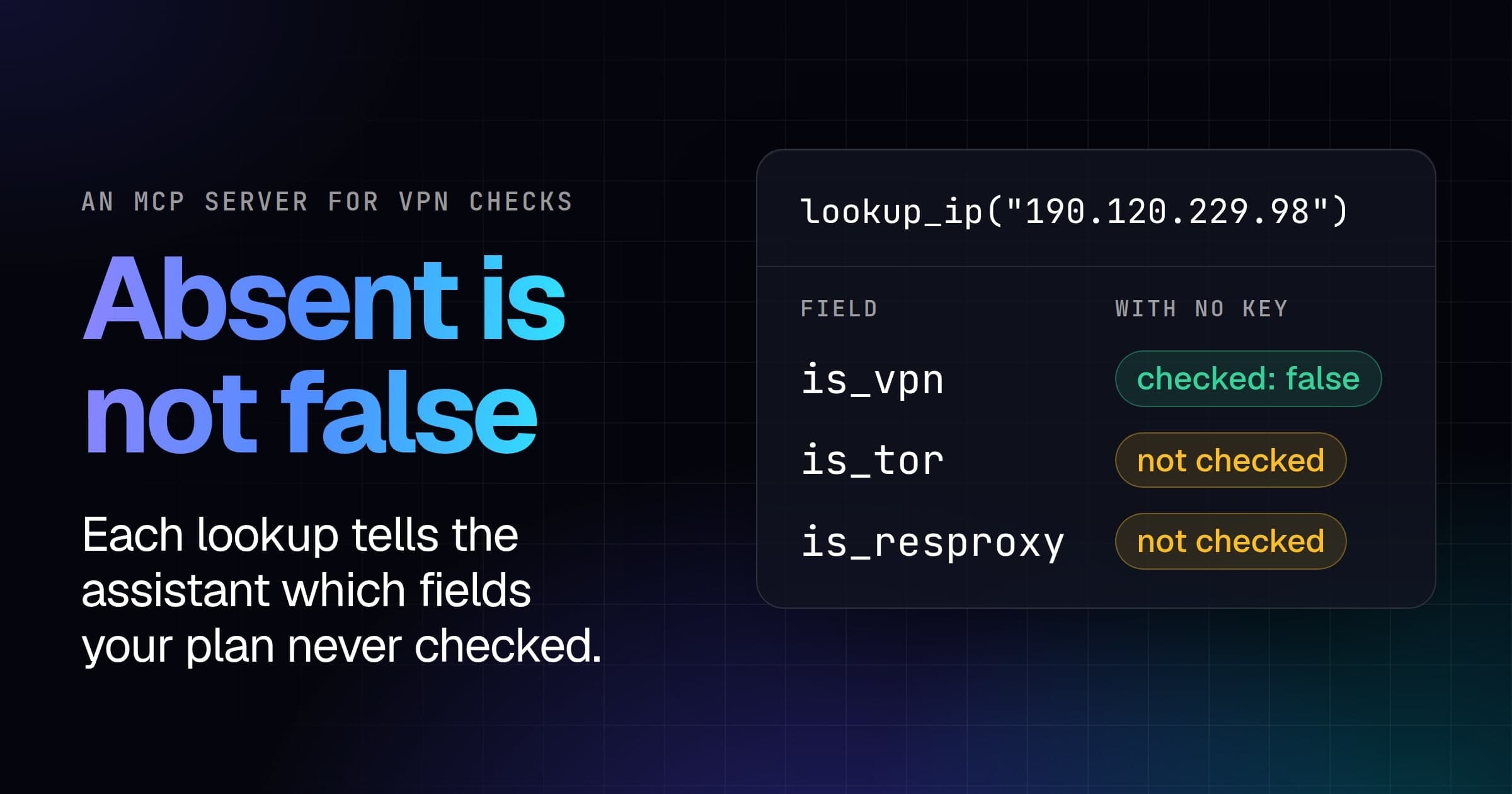
Those nulls aren't false. They mean "not in your plan", where false means "checked, and no". IsVpn comes back without a key, a free key adds IsTor, and every paid plan IsResproxy. Masked compares IsTor and IsResproxy with == true, so without them, IsVpn decides alone.
What the carried state can't prove
Blazor Server protects the state it writes into the page with ASP.NET Core Data Protection, as Microsoft's docs say. We changed one character of it, and the circuit didn't start: "The circuit failed to initialize." It isn't tied to the connection, though. We saved the state from the home line's page and swapped it into a page loaded from the Mullvad server, and that circuit held the home line's answer and welcomed them.
That's fine for asking a VPN visitor to confirm an email. To turn one away, refuse the request itself: the circuit's connection to /_blazor is a request too, and the middleware in How to detect VPN users in ASP.NET Core sees every one.